What is split-horizon DNS?
If you’ve ever heard the term “split-horizon DNS” and felt confused, don’t worry—this guide will break it down in the simplest way possible. Let’s go step by step and make sense of it.
Understanding DNS
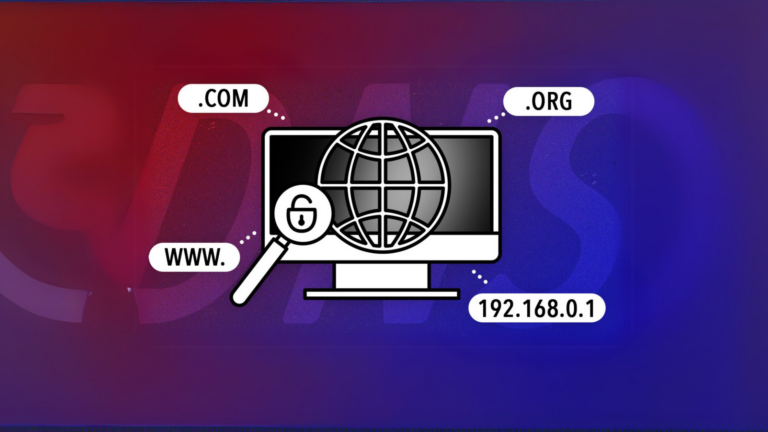
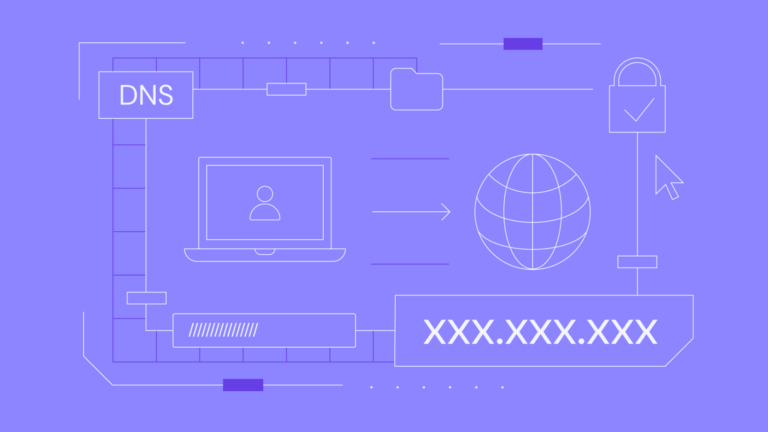
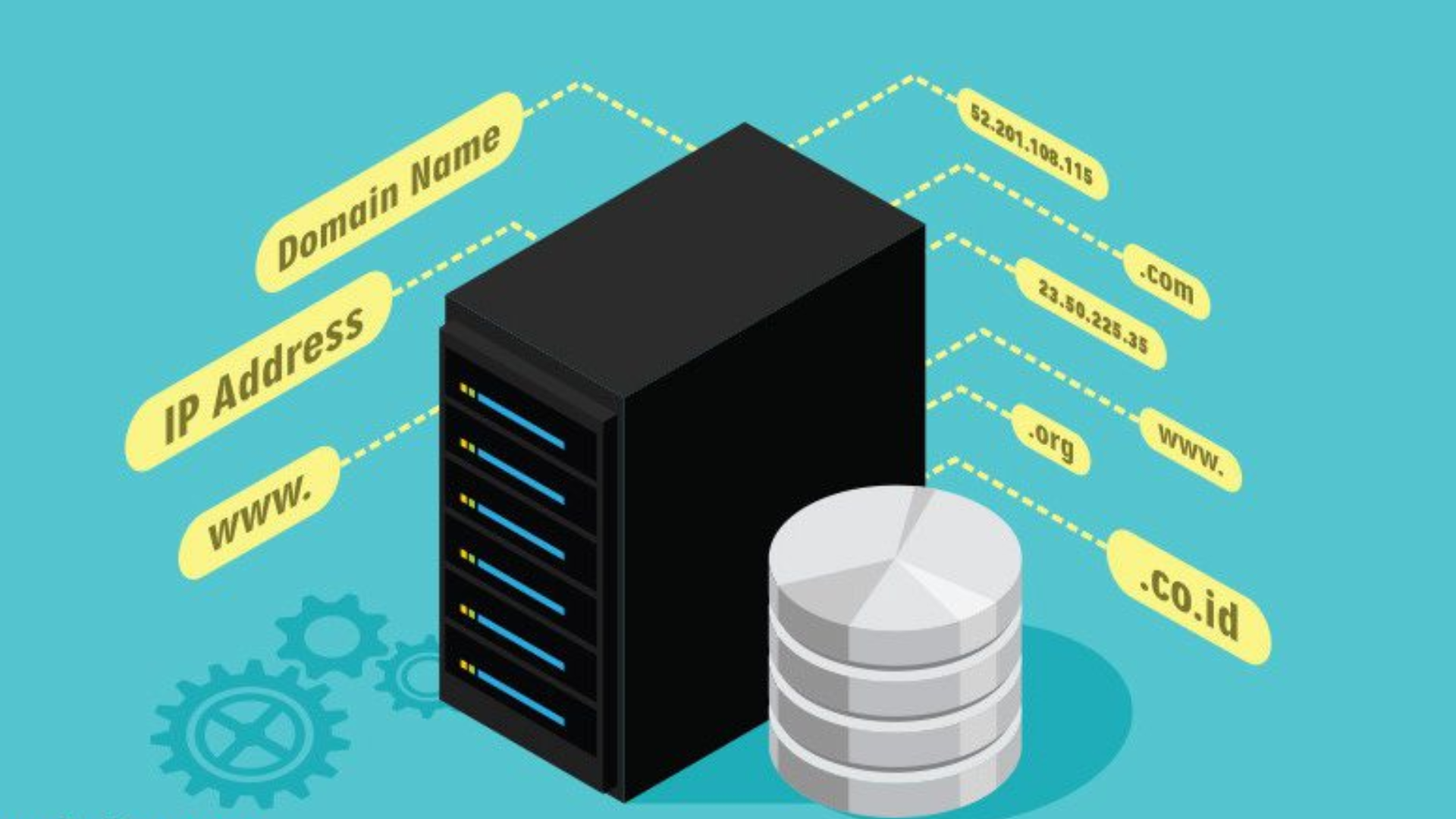
Before diving into split-horizon DNS, let’s first understand DNS (Domain Name System). DNS works like a phonebook for the internet. It translates easy-to-remember website names, like example.com, into IP addresses, which computers use to find each other.
For example:
- You type
www.google.comin your browser. - DNS helps turn that name into an IP address like
142.250.190.14so your computer can connect to Google.
What Is Split-Horizon DNS?
Split-horizon DNS is a setup where a DNS server gives different answers to the same question, depending on who is asking. This means that users in different locations or on different networks may see different IP addresses for the same domain name.
Here’s a simple example:
- Internal users (people inside your company’s network) ask for
mycompany.comand are sent to a private IP address, like10.0.0.5. - External users (people outside the company’s network) ask for the same
mycompany.comand are sent to a public IP address, like203.0.113.20.
Why Use Split-Horizon DNS?
Split-horizon DNS is useful for managing how users access resources based on their location or network. Here are the most common reasons it’s used:
- Improved Security
- Internal servers or resources remain hidden from the public internet.
- Only authorized users within the network can access private information.
- Efficient Resource Access
- Internal users can connect to faster, local resources instead of using the public internet.
- Customized Responses
- Different groups of users can be directed to different servers or content based on their needs.
How Split-Horizon DNS Works
To understand the mechanics, let’s break it down into simple steps:
- Single Domain, Two Views
- The DNS server has two versions (or “views”) for the same domain:
- One for internal users.
- One for external users.
- User Identification
- The DNS server checks where the user’s request is coming from (inside or outside the network).
- Different Answers
- The server gives the internal view to users on the internal network and the external view to others.
Example Scenario
Imagine you work for a company called TechCorp. Your company uses the domain techcorp.com. Here’s how split-horizon DNS might work:
- Inside the company network:
- An employee wants to access the company’s email system.
- The DNS server sends them to a private IP address (e.g.,
10.0.1.15) to access the internal server. - Outside the company network:
- A customer visits the TechCorp website.
- The DNS server sends them to the public IP address (e.g.,
198.51.100.25) to reach the public-facing website.
Advantages of Split-Horizon DNS
Here’s why this setup is helpful:
| Advantage | Explanation |
|---|---|
| Keeps internal data secure | Sensitive information stays within the private network. |
| Speeds up internal traffic | Internal users connect directly to local servers, avoiding unnecessary delays. |
| Reduces confusion | Different users see the right content or services based on their location. |
Challenges of Split-Horizon DNS
Like any system, split-horizon DNS has some drawbacks:
- Complexity
- Setting up and managing separate views can be tricky for beginners.
- Requires Good Planning
- You need a clear understanding of your network to configure it properly.
- DNS Server Load
- The server has to handle extra rules, which could increase its workload.
Is Split-Horizon DNS Right for You?
Split-horizon DNS is best for situations where you have users in different locations or networks who need different access to the same domain. It’s commonly used by:
- Companies managing internal and external resources.
- Schools and universities separating internal staff access from public access.
- Organizations with websites and private internal tools under the same domain.
Final Thoughts
Split-horizon DNS may sound technical at first, but it’s really just a way to give different groups of users the right access to the resources they need. It’s all about ensuring security, improving efficiency, and tailoring the user experience.