What is a DNS server?
Have you ever wondered how you can type a website name like google.com into your browser and it opens the right page? This magic happens because of something called a DNS server. Let me explain it step by step in the simplest way possible.
What Does DNS Stand For?
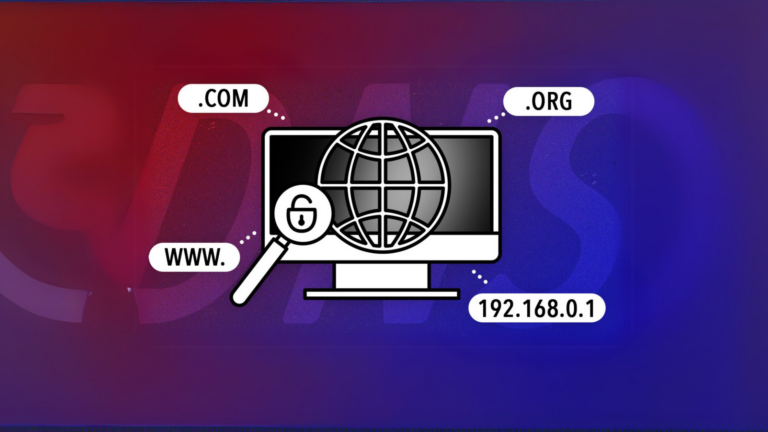
DNS stands for Domain Name System. It’s like a phonebook for the internet. Just like you use someone’s name to find their phone number, the internet uses DNS to match website names (like google.com) to their actual addresses (called IP addresses).
Why Do We Need a DNS Server?
Computers and other devices on the internet don’t understand names like facebook.com or youtube.com. They need something called an IP address, which is a string of numbers like 192.168.1.1, to find and connect to websites. Remembering these numbers would be really hard for us. That’s where DNS servers come in. They handle the hard part by converting those names into numbers so you don’t have to.
How Does a DNS Server Work?
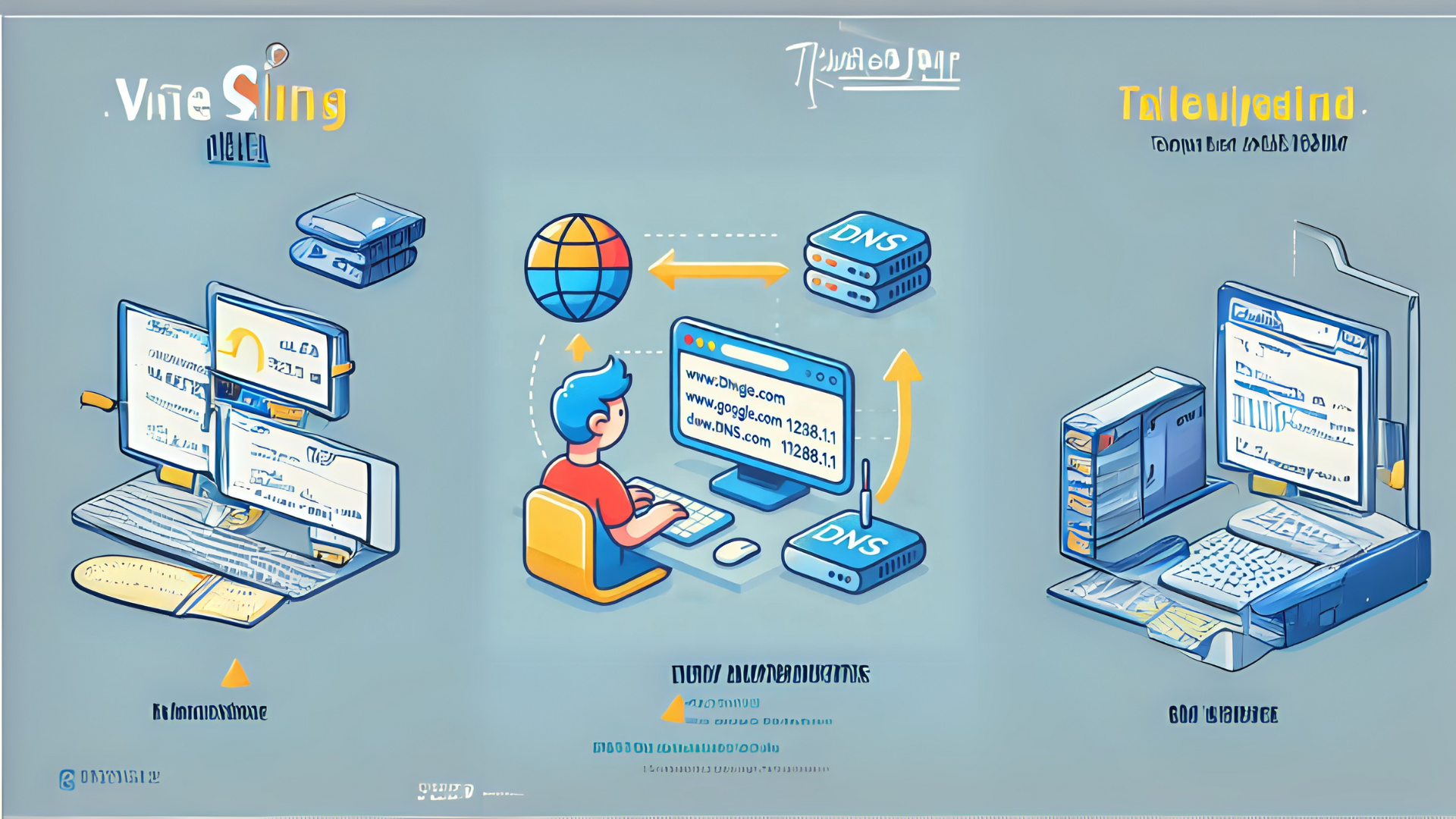
Here’s how it works in four simple steps:
- You type a website name into your browser.
- For example, you type www.google.com.
- Your device contacts a DNS server.
- The DNS server looks for the IP address that matches the name you entered.
- The DNS server finds the IP address.
- If the DNS server has it saved, it sends the IP address back to your device.
- Your browser connects to the website.
- Using the IP address, your browser loads the correct page.
This process happens so quickly that you don’t even notice it.
Types of DNS Servers
There are different types of DNS servers involved in this process:
- Recursive DNS Servers
- These servers are like helpers. They take your request and pass it along until they find the right IP address.
- Root DNS Servers
- These are the top-level servers that point to the next step in finding your IP address.
- TLD (Top-Level Domain) Servers
- These servers handle specific domains like .com, .org, or .net.
- Authoritative DNS Servers
- These servers have the final answer for specific website names and their IP addresses.
Why is DNS Important?
The DNS system is essential because it makes the internet user-friendly. Without it:
- You would have to remember long strings of numbers for every website.
- Browsing the internet would be much more complicated.
Common Problems with DNS
Sometimes, DNS servers can run into problems. Here are a few common issues:
- DNS Server Not Responding
- This happens when your device can’t connect to the DNS server.
- Slow DNS
- If the DNS server takes too long to find the IP address, your browser will load pages slowly.
- Incorrect DNS Settings
- If your device is using the wrong DNS settings, you may not be able to load websites.
How Can You Fix DNS Issues?
If you’re facing problems with DNS, here are a few simple solutions:
- Restart Your Router
- Turn your router off, wait a few seconds, and then turn it back on.
- Change Your DNS Server
- You can use public DNS servers like:
- Google DNS: 8.8.8.8 and 8.8.4.4
- Cloudflare DNS: 1.1.1.1
- Clear Your DNS Cache
- On Windows, open Command Prompt and type:
ipconfig /flushdns
- Check Your Internet Connection
- Make sure your internet connection is working properly.
Final Thoughts
A DNS server might sound technical, but it’s actually a simple system that makes your internet experience smooth and easy. It works behind the scenes to ensure you can access websites quickly and without any hassle. Next time you type a website name, you’ll know that a DNS server is working hard to connect you to the right place.
guiadenoivos.saojosedojardimeuropa.com.br
beyond.globalpranichealing.com