What Does “DNS Not Responding” Mean?
When you try to browse the internet and suddenly see a message saying “DNS Not Responding,” it can be frustrating. But don’t worry—it’s not as complicated as it sounds. Let’s break it down step by step so you can understand what’s going on and how to fix it.
Understanding DNS
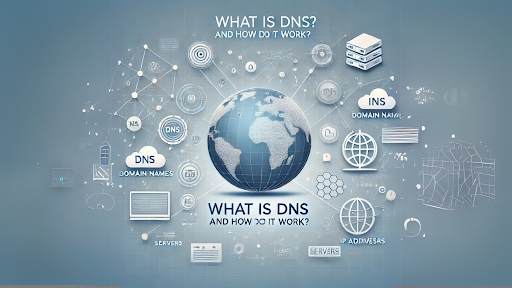
First, you need to know what DNS is. DNS stands for “Domain Name System.” It’s like the internet’s phonebook. When you type a website address (like www.google.com) into your browser, the DNS translates that name into an IP address (a series of numbers) that computers use to find the website. Without DNS, you’d have to remember long strings of numbers for every site you visit—which would be a nightmare.
What Does “DNS Not Responding” Mean?
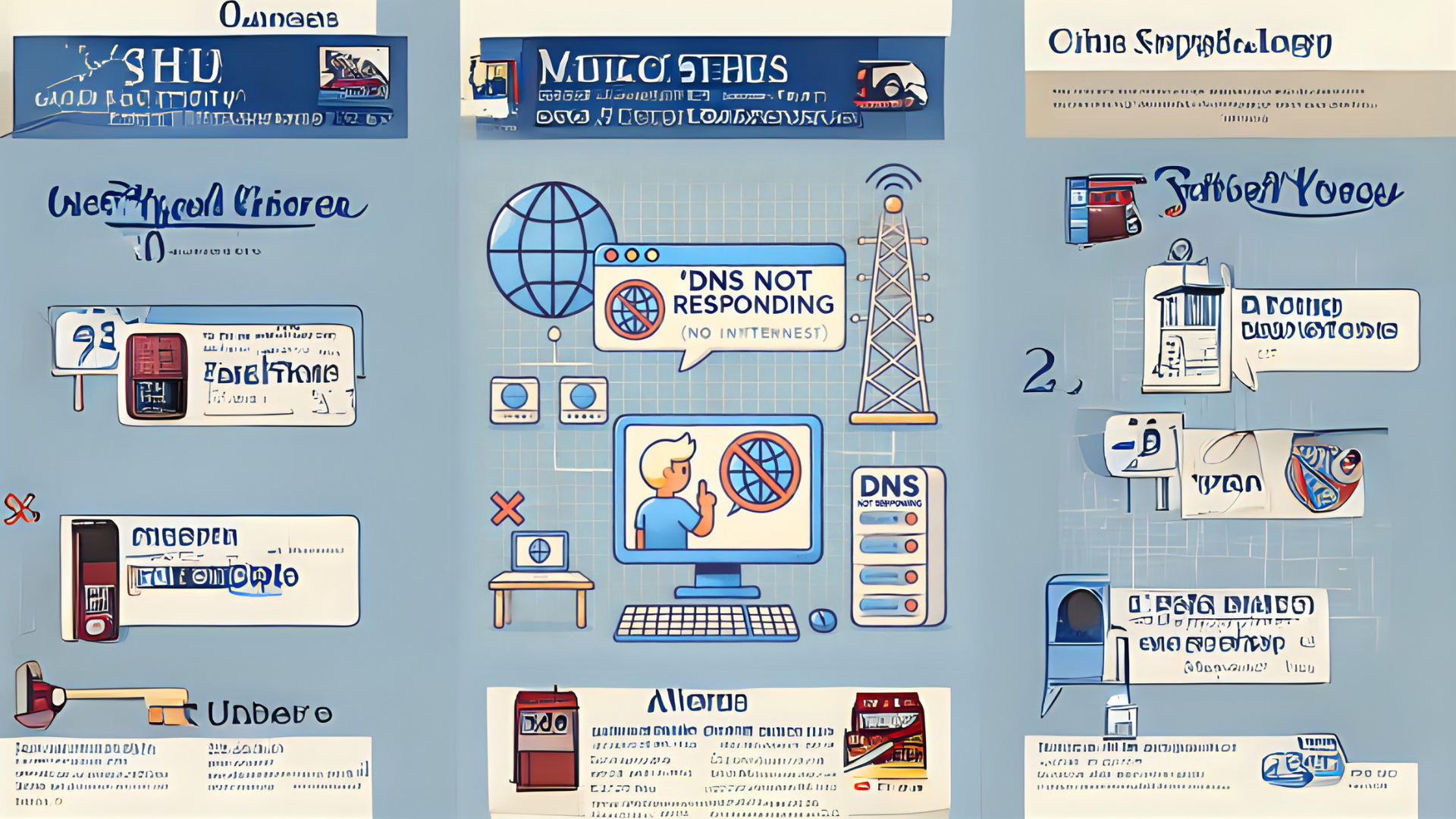
When you see the “DNS Not Responding” error, it means your computer can’t connect to the DNS server. In simple terms, your device is unable to find the address of the website you’re trying to visit. This can happen for a variety of reasons, which we’ll explore below.
Common Causes of “DNS Not Responding” Errors
- Internet Connection Issues:
- Your Wi-Fi or internet connection might be down.
- Problems with the DNS Server:
- The DNS server you’re using might be temporarily unavailable.
- Incorrect Network Settings:
- Your computer’s network settings could be misconfigured.
- Firewall or Antivirus Blocking:
- Your firewall or antivirus software might be preventing access to the DNS server.
- Browser Issues:
- Sometimes, the problem is with your browser rather than the DNS itself.
How to Fix “DNS Not Responding”
Here are some simple steps you can take to resolve the issue:
1. Check Your Internet Connection
- Make sure your Wi-Fi or ethernet cable is properly connected.
- Restart your router or modem.
2. Restart Your Device
- Sometimes, a quick restart of your computer or phone can fix the problem.
3. Use a Different Browser
- Try accessing the website on another browser to see if the problem persists.
4. Switch to a Different DNS Server
- You can change your DNS settings to use public DNS servers like Google (8.8.8.8 and 8.8.4.4) or Cloudflare (1.1.1.1). Here’s how:
- Go to your network settings.
- Find the option to change DNS settings.
- Enter the new DNS server addresses.
5. Disable Your Firewall or Antivirus Temporarily
- Turn off your firewall or antivirus to see if they’re blocking the connection. Remember to turn them back on afterward.
6. Clear Your DNS Cache
- Sometimes, clearing the DNS cache can help. Here’s how to do it on Windows:
- Open the Command Prompt.
- Type
ipconfig /flushdnsand press Enter. - Restart your browser.
7. Contact Your Internet Service Provider (ISP)
- If none of the above steps work, reach out to your ISP. They may be able to resolve the issue from their end.
Preventing Future DNS Issues
To avoid running into DNS problems again, you can:
- Use reliable DNS servers like Google or Cloudflare.
- Regularly update your device’s software and drivers.
- Keep your firewall and antivirus settings optimized.
Conclusion
Seeing a “DNS Not Responding” error can be annoying, but it’s usually easy to fix. By following the steps outlined in this article, you can quickly get back online. Remember, DNS is a crucial part of how the internet works, and understanding it a little better can save you a lot of trouble.