What are DNS TXT records used for?
When you hear the term “DNS TXT record,” it might sound a bit technical. But don’t worry—it’s simpler than you think. In this article, I’ll break it down so you can understand what DNS TXT records are and why they matter.
What Are DNS TXT Records?
A DNS TXT record is a type of data stored in the Domain Name System (DNS). The DNS is like a phonebook for the internet. It helps your computer find the websites or services you’re looking for by matching domain names (like example.com) to their corresponding IP addresses.
TXT records allow domain owners to add free-form text to their DNS. This text can contain any kind of information, but it’s mostly used for specific purposes, like verifying domain ownership or enhancing email security.
Why Are DNS TXT Records Important?
Although they might seem small, TXT records play a big role in keeping websites and online services running smoothly and securely. Here are some common uses:
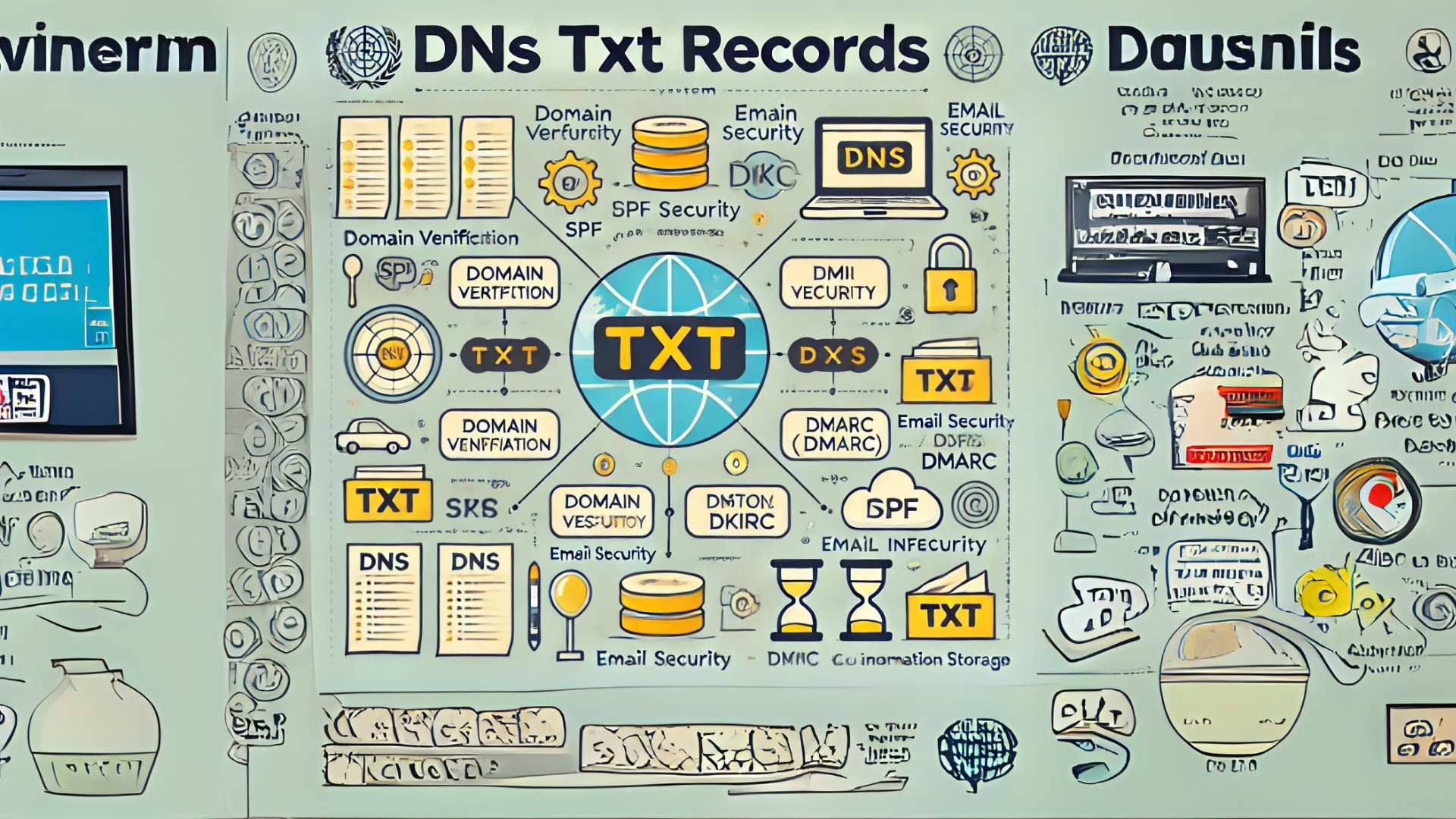
1. Domain Verification
When you set up services like email marketing tools or website analytics, they may ask you to prove that you own the domain you’re using. To do this, you add a specific TXT record to your DNS. The service will check for this record to confirm your ownership.
2. Email Security
TXT records are often used to improve the security of email systems. Here are three key tools that rely on TXT records:
- SPF (Sender Policy Framework): This prevents others from sending emails on behalf of your domain. The TXT record specifies which servers are allowed to send emails from your domain.
- DKIM (DomainKeys Identified Mail): This ensures that your email hasn’t been tampered with during delivery. The TXT record contains a public key used to verify the email’s authenticity.
- DMARC (Domain-based Message Authentication, Reporting, and Conformance): This combines SPF and DKIM to protect against email spoofing and phishing attacks. The TXT record tells email providers how to handle unauthorized messages.
3. Custom Information
Sometimes, TXT records are used to store other types of information. For example, they can be used to provide information about a website, an organization, or technical details for certain online services.
How to Add a DNS TXT Record
If you need to add a TXT record, here are the basic steps:
- Log in to Your Domain Provider
Go to the website where you purchased your domain name (e.g., GoDaddy, Namecheap, or Google Domains). - Find the DNS Settings
Look for a section called “DNS Management” or “DNS Settings.” - Add a New TXT Record
- Select “Add Record” or a similar option.
- Choose “TXT” as the record type.
- Enter the required values, which usually include:
- Name (or Host): This is often “@” for the root domain or a subdomain (e.g., “mail”).
- Value (or Content): This is the text provided by the service you’re setting up.
- TTL (Time to Live): This tells DNS servers how long to keep the record cached. You can often leave this at the default value.
- Save the Record
Once saved, the record will usually take a few minutes to a few hours to update.
Real-Life Example
Let’s say you’re setting up an email marketing tool like Mailchimp. They’ll ask you to add a TXT record to verify your domain. You’ll log in to your DNS settings, add the TXT record they provide, and save it. Once Mailchimp detects the record, your domain will be verified.
Final Thoughts
DNS TXT records may seem technical at first, but they’re really just a way to add small pieces of text to your domain settings. Whether you’re securing your email, verifying your domain, or providing extra information, TXT records play an essential role in making the internet work.