How to detect DNS spoofing?
DNS spoofing, also known as DNS cache poisoning, is a tactic that hackers use to mislead users by redirecting them to fake websites. This can be dangerous because it might expose your sensitive data like passwords or credit card details. Learning how to detect DNS spoofing can help protect your online activities.
Here’s a step-by-step guide to help you understand and spot DNS spoofing.
What is DNS Spoofing?
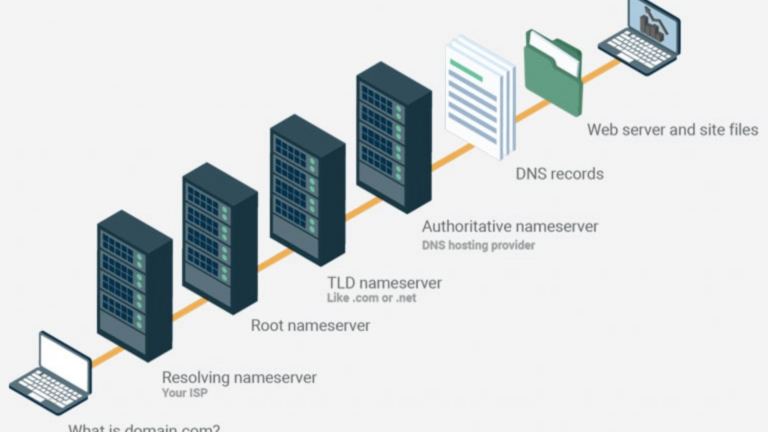
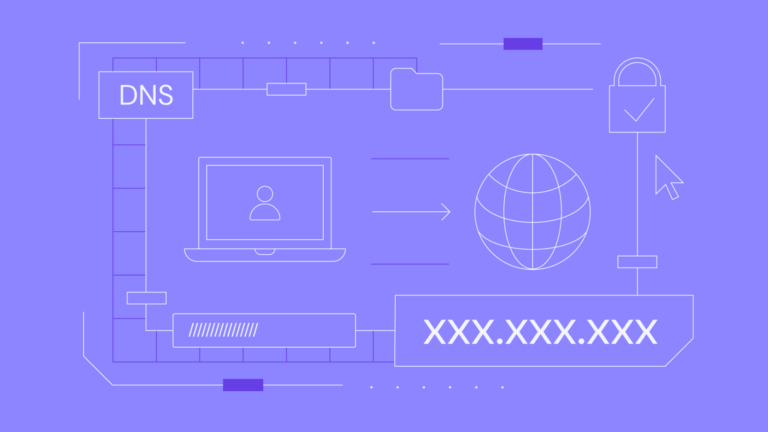
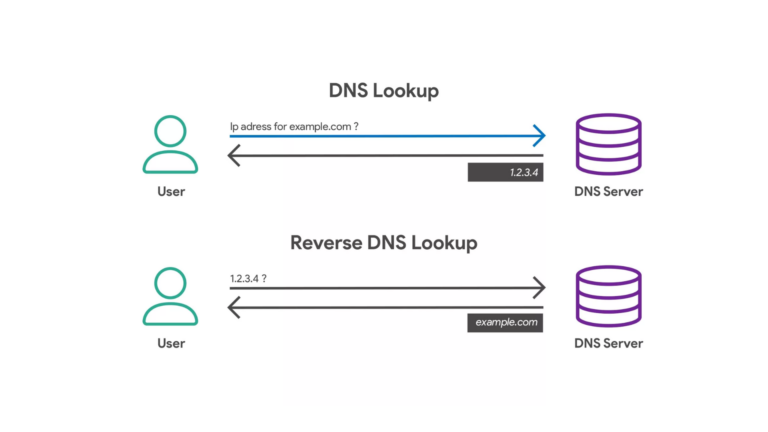
To put it simply, DNS (Domain Name System) works like a phonebook for the internet. When you type a website address, DNS translates it into an IP address so your device can find and load the website.
In DNS spoofing, hackers trick this system. Instead of directing you to the real website, they redirect you to a fake one. For example, you may think you’re visiting your bank’s website, but it’s actually a fake site designed to steal your login information.
Signs of DNS Spoofing
Here are some common signs that DNS spoofing might be happening:
- Unexpected Website Appearance
- If a website looks different than it usually does, especially if it’s poorly designed or has strange logos, it could be fake.
- Error Messages and Pop-Ups
- Constant pop-ups or error messages asking for personal information can be a red flag.
- Website Redirects
- If you type a URL and are redirected to a completely different website, DNS spoofing might be at play.
- HTTPS Missing or Unusual
- Always look for “https://” in the website’s URL, which indicates it’s secure. A fake website might not have this, or it may show a certificate warning.
- Slower Internet or Strange Activity
- Unusual slowness or devices acting strangely while browsing could indicate tampering with your network.
How to Detect DNS Spoofing
Here are some easy steps to check for DNS spoofing:
1. Use Trusted DNS Servers
- Always configure your device to use trusted DNS servers like Google’s DNS (8.8.8.8) or Cloudflare’s DNS (1.1.1.1). Hackers often target poorly secured servers.
2. Verify Website Certificates
- Click on the padlock symbol in your browser’s address bar. Ensure the SSL certificate matches the website you’re visiting. If the certificate is invalid, it could mean trouble.
3. Compare IP Addresses
- Use tools like
pingornslookupto check the IP address of a website. Then, compare it with the official IP address using a service like Whois. If they don’t match, the DNS might be compromised.
4. Enable DNSSEC
- DNSSEC (Domain Name System Security Extensions) adds an extra layer of protection by verifying that DNS data is authentic.
5. Monitor for Unexpected Changes
- Use DNS monitoring tools or apps to check if DNS settings have been altered without your knowledge.
6. Run Security Tools
- Anti-virus software or DNS protection tools can help detect spoofing and block fake websites automatically.
How to Stay Safe from DNS Spoofing
Prevention is always better than cure. Here’s how you can protect yourself:
- Update Your Devices
- Keep your operating system, browser, and security software updated to fix vulnerabilities hackers exploit.
- Avoid Public Wi-Fi
- Public Wi-Fi networks are often targeted for DNS spoofing. Use a Virtual Private Network (VPN) if you must connect.
- Be Cautious of Links
- Don’t click on suspicious links in emails or messages. Always type the website’s address directly into your browser.
- Use Two-Factor Authentication (2FA)
- Even if hackers steal your credentials, 2FA can prevent unauthorized access to your accounts.
- Educate Yourself
- Learn how to recognize fake websites and phishing attempts to avoid falling victim.
Conclusion
Detecting DNS spoofing is not as complicated as it sounds. By paying attention to the signs and using basic tools, you can identify and avoid fake websites. Protecting your online activities requires staying alert and taking small but effective steps.