How do I find my DNS server address?
If you’re trying to figure out your DNS server address, you’ve come to the right place. DNS (Domain Name System) is like a phonebook for the internet—it helps translate website names (like google.com) into IP addresses that computers understand. Knowing your DNS server address can be helpful for troubleshooting internet issues, improving internet speed, or setting up custom DNS.
Here’s a step-by-step guide to help you find your DNS server address on different devices and systems.
What Is a DNS Server Address?
Before we dive into the steps, let’s quickly explain what a DNS server address is. A DNS server is a system that matches website names to their respective IP addresses. Your DNS server address is the location of the server your device uses to perform this task.
Why Would You Need to Know Your DNS Server Address?
Here are some common reasons to find your DNS server address:
- Troubleshooting internet problems
- Changing DNS for better speed or privacy
- Setting up parental controls or blocking certain sites
- Configuring devices on your network
Now, let’s move on to the steps for finding your DNS server address.
Steps to Find DNS Server Address on Different Systems
1. On Windows
- Open the Command Prompt:
- Press the Windows key + R to open the Run dialog.
- Type
cmdand press Enter.
- Run a Command:
- Type the following command and press Enter:
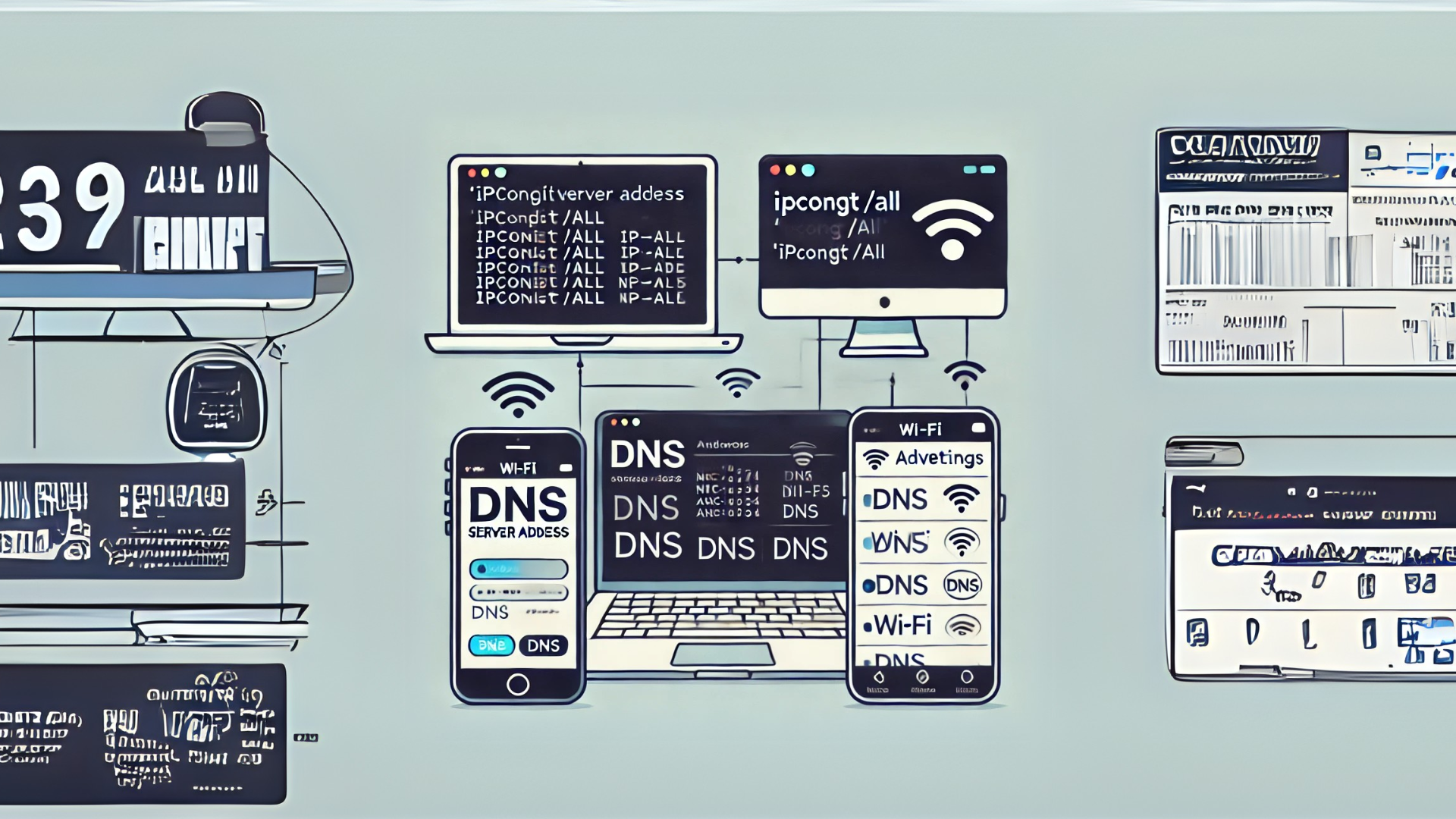
bash ipconfig /all
- Type the following command and press Enter:
- Locate DNS Information:
- Scroll through the output to find the DNS Servers section. You’ll see one or more addresses listed.
2. On Mac
- Open System Preferences:
- Click on the Apple menu and select System Preferences.
- Go to Network Settings:
- Select Network and choose your active connection (Wi-Fi or Ethernet).
- Find the DNS Tab:
- Click Advanced and then select the DNS tab.
- You’ll see your DNS server addresses listed there.
3. On Android
- Open Settings:
- Go to Settings and select Wi-Fi.
- Choose Your Network:
- Tap on your connected Wi-Fi network.
- View DNS Details:
- Look for the IP settings or Advanced settings section. Your DNS server address will be listed there.
4. On iPhone/iPad
- Go to Wi-Fi Settings:
- Open the Settings app and tap Wi-Fi.
- Select Your Network:
- Tap the small i icon next to your connected Wi-Fi network.
- Find DNS:
- Scroll down to the DNS section to view the server addresses.
5. On Routers
- Access Router Settings:
- Open a browser and enter your router’s IP address (commonly
192.168.1.1or192.168.0.1).
- Open a browser and enter your router’s IP address (commonly
- Log In:
- Use your router’s login credentials to access the settings.
- Locate DNS Settings:
- Navigate to the Network or Internet settings section. Your DNS server address should be displayed there.
FAQs About DNS Server Addresses
1. What Does a DNS Server Address Look Like?
DNS server addresses are usually a series of numbers separated by dots, such as 8.8.8.8 or 1.1.1.1.
2. Can I Change My DNS Server Address?
Yes, you can change it to a custom DNS server like Google Public DNS (8.8.8.8) or Cloudflare (1.1.1.1) for better speed or privacy.
3. What If I Don’t See a DNS Address?
If no DNS address is listed, your device might be set to get the DNS information automatically from your internet provider.
Conclusion
Finding your DNS server address isn’t as complicated as it may sound. By following the steps outlined above, you can quickly locate this information on any device. Whether you’re troubleshooting or just exploring, knowing how to find your DNS server address is a useful skill that anyone can learn.
sekolah tinggi ilmu kesehatan ukpm
kebidanan mitra sejahtera jakarta
akademi analis kesehatan muhammadiyah surabaya
akademi kesehatan lingkungan sumsel
akademi kebidanan arta kabanjahe
akademi kebidanan nusantara medan
akademi kebidanan delhus delmed
akper harapan mama deli serdang
akademi kebidanan bunga bangsa aceh