What is the difference between DNS and IP address?
When it comes to the internet, two common terms you might have heard are DNS and IP address. While they work together to help you browse the web, they are not the same thing. Let me explain in simple terms what each of these means and how they are different.
What Is an IP Address?
An IP address (Internet Protocol address) is like a unique home address for devices on a network. Every computer, smartphone, or website has its own IP address so they can find and communicate with each other. Without it, devices wouldn’t know where to send or receive information.
There are two main types of IP addresses:
- IPv4: This is the most common type, and it looks like this:
192.168.1.1. - IPv6: This is a newer version that allows for more unique addresses. It looks something like this:
2001:0db8:85a3:0000:0000:8a2e:0370:7334.
Think of an IP address as the actual location of a house.
What Is DNS?
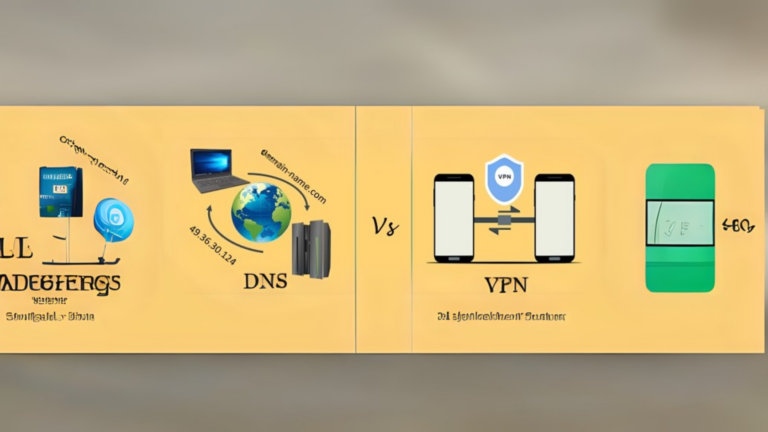
DNS stands for Domain Name System. It works like a phonebook for the internet. Instead of remembering long and complicated IP addresses, we use domain names like google.com or facebook.com. The DNS translates these easy-to-remember domain names into their corresponding IP addresses so your computer can find the right website.
For example:
- When you type
google.cominto your browser, DNS translates it to an IP address like142.250.190.14(the actual location of Google’s server).
Without DNS, you’d have to remember the IP address of every website you wanted to visit.
Key Differences Between DNS and IP Address
Let’s break down the main differences in a simple table:
| Feature | DNS | IP Address |
|---|---|---|
| What it does | Translates domain names to IP addresses | Identifies devices on a network |
| Human-friendly? | Yes | No |
| Example | example.com | 192.168.1.1 |
| Purpose | Makes the internet easier to use | Enables devices to locate each other |
How Do They Work Together?
Here’s an easy way to understand how DNS and IP addresses work together:
- You type a domain name (like
amazon.com) into your browser. - The DNS translates that domain name into an IP address (e.g.,
205.251.242.103). - Your device uses the IP address to connect to the server hosting the website.
- The website loads on your screen.
Without DNS, you’d need to manually enter the IP address every time. And without IP addresses, devices wouldn’t know where to send or receive data.
Why Are Both Important?
- DNS makes the internet user-friendly. Imagine if you had to remember dozens of IP addresses instead of simple names like
youtube.com. - IP addresses make the actual connection possible. They are the technical part that ensures devices can find and communicate with each other.
A Simple Analogy
Think of DNS and IP addresses like this:
- DNS is your contact list in your phone. You save names like “Mom” or “John,” but behind those names are their actual phone numbers.
- IP Address is the phone number. It’s what your phone uses to actually make the call.
Conclusion
Both DNS and IP addresses are essential for the internet to work. DNS makes it easy for us to browse the web without having to remember numbers, and IP addresses make sure devices can communicate. They’re like two sides of the same coin, working together to make your online experience smooth and simple.